25 Things You Can Do with ChatGPT That You Probably Don't Know
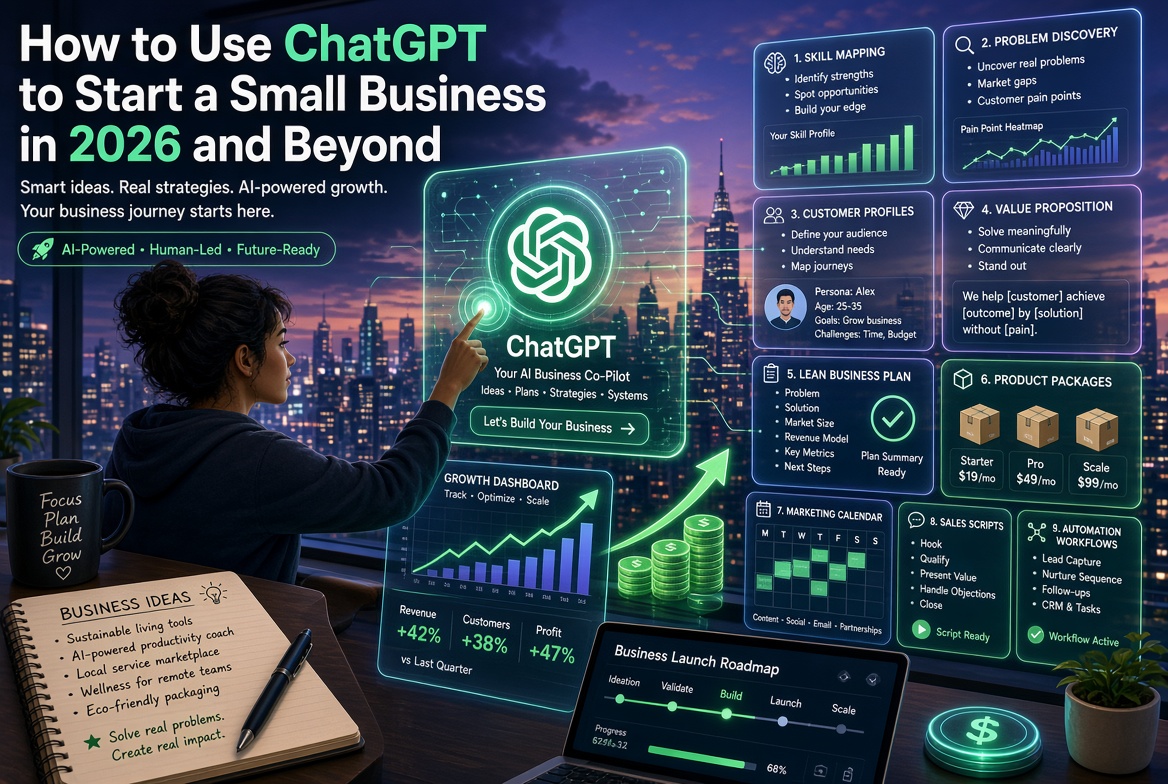
ChatGPT is far more than a question-and-answer tool. It can act as a personal tutor, research assistant, writing editor, data analyst, coding partner, productivity coach, brainstorming partner, business consultant, and workflow designer. This article explores 25 practical ways to use ChatGPT to learn faster, analyze information, create content, develop research ideas, improve presentations, prepare for interviews, organize projects, document business processes, and automate repetitive tasks. The key is to provide clear context, tasks, constraints, and desired outputs while using human judgment to verify important information. When integrated into repeatable workflows, ChatGPT can help individuals and businesses save time, improve productivity, and create greater value.
Most people use ChatGPT for only a few things: asking questions, writing emails, generating ideas, or summarizing information.
But ChatGPT can do much more.
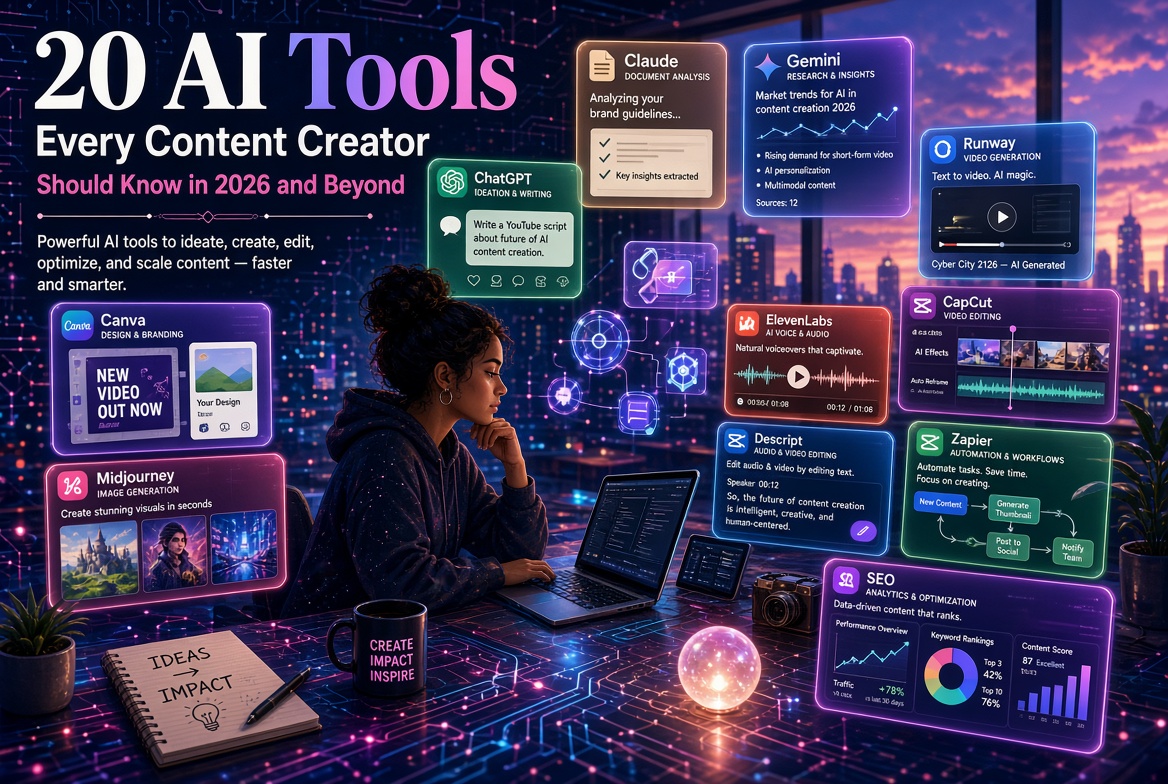
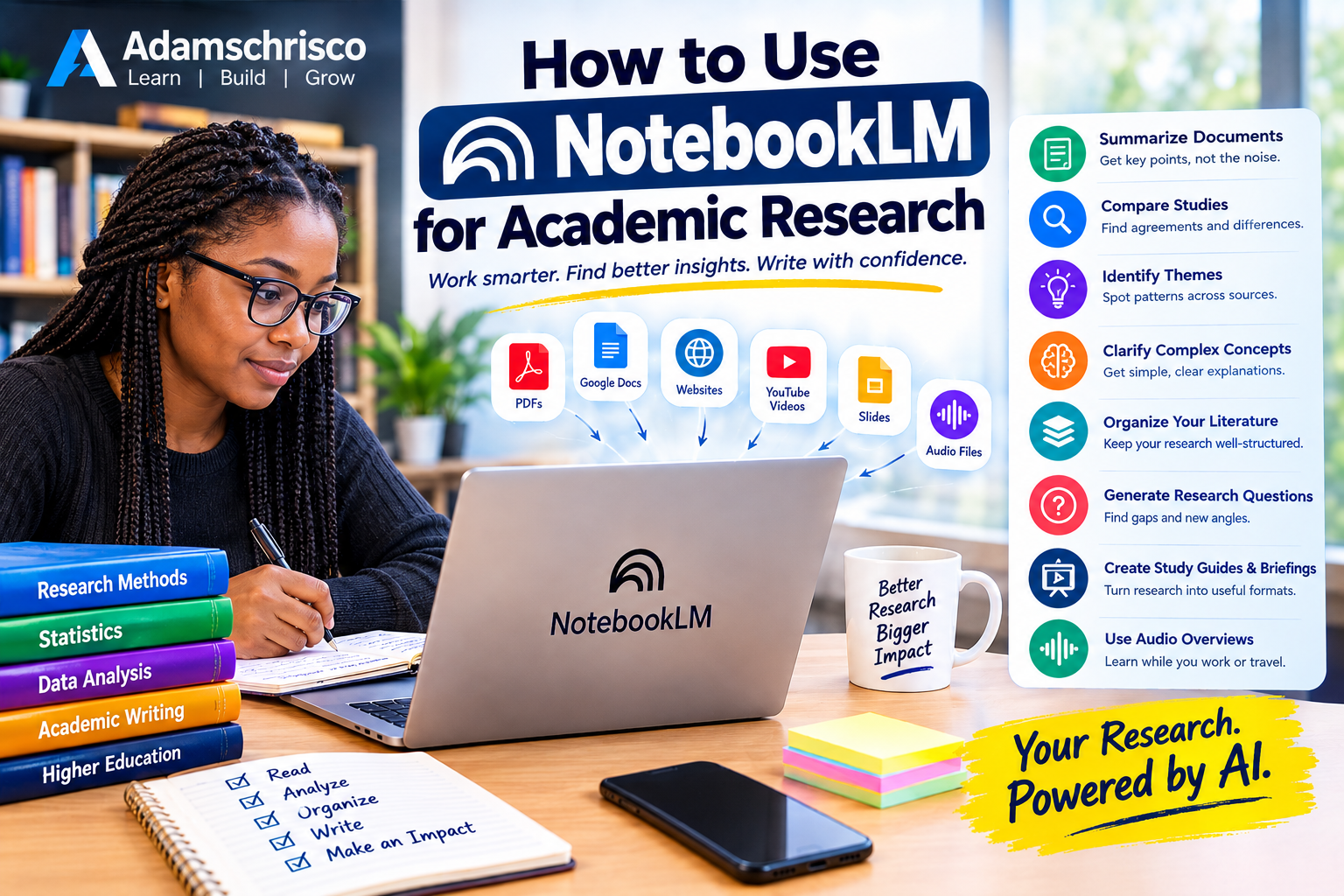
When used properly, it can function as a research assistant, tutor, brainstorming partner, writing editor, coding assistant, business consultant, data analyst, productivity coach, content strategist, and workflow designer.
The real power of ChatGPT is not simply asking it questions. It is learning how to use it as an intelligent assistant for different types of work.
Here are 25 things you can do with ChatGPT that you may not know about.
1. Turn Rough Ideas into Complete Plans
You don't need to have everything figured out before using ChatGPT.
Give it a rough idea and ask it to organize the idea into a practical plan.
For example:
"I want to start an online training business teaching Excel to university students. Help me turn this idea into a 30-day launch plan."
ChatGPT can help you develop:
• Business objectives
• Target audience
• Course structure
• Marketing strategy
• Pricing ideas
• Content calendar
• Launch checklist
• Customer acquisition strategy
Instead of staring at a blank page, you start with a structured roadmap.
2. Learn Almost Any Subject Like a Personal Tutor
ChatGPT can act as a personal tutor.
You can tell it your current level and ask it to teach you progressively.
For example:
"Teach me Python programming from beginner to intermediate level. Assume I have never programmed before. Give me weekly lessons, examples, exercises and solutions."
You can also ask it to:
• Explain difficult concepts
• Give examples
• Test your understanding
• Generate quizzes
• Mark your answers
• Give additional exercises
• Explain your mistakes
• Adjust the difficulty
This makes ChatGPT particularly useful for lifelong learning.
3. Ask ChatGPT to Explain Something at Different Levels
One explanation may not work for everyone.
You can ask ChatGPT to explain the same concept in different ways.
For example:
"Explain regression analysis to a 10-year-old."
Then:
"Now explain it to a first-year statistics student."
Then:
"Now explain it at postgraduate level, including the mathematical formulation."
This is an excellent way to move from simple understanding to technical mastery.
4. Turn Long Documents into Actionable Information
Many people use ChatGPT simply to summarize documents.
But you can go further.
You can ask it to extract:
• Key arguments
• Important decisions
• Action points
• Deadlines
• Risks
• Recommendations
• Questions
• Contradictions
• Missing information
For example:
"Read this policy document and identify the five most important decisions management needs to make."
This can be far more useful than a conventional summary.
Always verify important information against the original document, especially for legal, financial, medical or institutional decisions.
5. Transform One Piece of Content into 20 Others
Suppose you write a 2,000-word article.
You can ask ChatGPT to transform it into:
• LinkedIn posts
• X posts
• Facebook posts
• Instagram captions
• Email newsletters
• YouTube scripts
• Short-video scripts
• Podcast outlines
• FAQs
• Quizzes
• Presentation slides
• Blog introductions
• Social-media hooks
• Discussion questions
• Infographics text
For example:
"Turn this article into 10 LinkedIn posts, 5 short-video scripts, an email newsletter and 20 social-media hooks."
This allows creators to get considerably more value from a single piece of original work.
6. Build Your Own Brainstorming Partner
When you are stuck, don't simply ask:
"Give me ideas."
Give ChatGPT context.
For example:
"I run a small consulting business serving university lecturers. Give me 20 problems they commonly face that could be solved with AI. For each problem, suggest a service I could offer."
You can then ask:
"Give me 10 unconventional ideas."
Or:
"Challenge these ideas and identify their weaknesses."
The second approach is especially useful because ChatGPT can help you generate and critique ideas.
7. Make ChatGPT Your Writing Editor
ChatGPT doesn't have to write everything from scratch.
You can write the first draft yourself and ask it to improve your work.
For example:
"Improve the clarity of this article without changing my meaning."
You can also request specific styles:
• More professional
• More conversational
• More persuasive
• More concise
• More academic
• More human
• More engaging
• Easier to understand
This is often better than simply asking AI to "write something for me" because your ideas remain at the center of the content.
8. Generate Better Questions
Good questions often produce better results than good answers.
You can ask ChatGPT to help you formulate the questions you should be asking.
For example:
"I want to investigate why students perform poorly in introductory statistics. Give me 20 research questions I should consider."
Or:
"I want to start an AI consulting business. What questions should I answer before investing money?"
This turns ChatGPT into a question-generation and problem-framing tool.
9. Use ChatGPT to Analyze Data
Depending on the files and tools available in your ChatGPT environment, you can work with datasets and ask ChatGPT to help you:
• Inspect data
• Identify missing values
• Clean data
• Calculate statistics
• Create tables
• Generate charts
• Explore relationships
• Build models
• Interpret results
• Write analysis code
For example:
"Analyze this dataset. Identify missing values, outliers and unusual patterns. Then suggest appropriate statistical methods."
You can also ask for Python, R, Excel or SQL code.
However, AI-generated statistical analysis should be checked carefully, particularly when the results will be used in research, publications or important decisions.
10. Debug Your Code
You don't need to be an expert programmer to get help with programming problems.
Paste your code and explain what went wrong.
For example:
"This Python code produces an error. Explain the error, correct the code and explain why the correction works."
You can ask ChatGPT to help with:
• Python
• R
• SQL
• JavaScript
• HTML
• CSS
• MATLAB
• Bash
• And many other programming languages.
A particularly useful approach is:
"Don't just give me the corrected code. Explain the error so I can avoid making it again."
That turns debugging into learning.
11. Turn Your Knowledge into a Course
Suppose you are an expert in statistics, marketing, accounting, agriculture or another field.
ChatGPT can help you transform your expertise into an educational product.
You can ask it to develop:
• Course objectives
• Modules
• Weekly lessons
• Lecture notes
• Examples
• Exercises
• Assignments
• Quizzes
• Practical projects
• Assessment rubrics
• Course descriptions
• Promotional copy
For example:
"Turn my expertise in data analysis into a six-week online course for small-business owners."
Your expertise remains the foundation. ChatGPT helps organize and package it.
12. Create Business Processes and Standard Operating Procedures
Many businesses depend on processes that exist only in someone's head.
ChatGPT can help turn those processes into documented procedures.
For example:
"Here is how we currently process a new customer. Turn this into a professional Standard Operating Procedure."
It can help structure:
1. Purpose
2. Scope
3. Responsibilities
4. Required information
5. Step-by-step procedure
6. Quality checks
7. Exceptions
8. Escalation procedures
9. Documentation requirements
This becomes especially valuable when training employees or preparing a business for growth.
13. Role-Play Difficult Conversations
ChatGPT can simulate conversations.
For example, you could ask:
"Act as a difficult customer. I will act as the customer-service representative. After the conversation, evaluate how I handled it."
You can practice:
• Job interviews
• Sales calls
• Customer complaints
• Negotiations
• Presentations
• Management conversations
• Teaching situations
• Public speaking
You can even ask ChatGPT to make the simulated person increasingly difficult.
This allows you to practice before the real conversation.
14. Prepare for Job Interviews
ChatGPT can simulate an interview based on a specific job description.
For example:
"Here is a job description for a data analyst. Interview me for the position one question at a time. Do not give me the answer before I respond."
After each response, you can ask for feedback on:
• Clarity
• Relevance
• Confidence
• Technical accuracy
• Structure
• Weaknesses
You can also ask it to generate likely technical and behavioral questions.
15. Create Personalized Study Plans
Instead of asking:
"How do I learn machine learning?"
Give ChatGPT more information:
"I work full-time and have two hours available every evening. I know basic statistics and Python but have never studied machine learning. Create a 12-week learning plan with weekly objectives, exercises and projects."
The more relevant context you provide, the more useful the plan can become.
16. Create Checklists for Almost Anything
Checklists reduce the likelihood of forgetting important steps.
Ask ChatGPT to create checklists for:
• Starting a business
• Publishing a book
• Organizing a conference
• Launching a website
• Preparing a lecture
• Conducting research
• Applying for a job
• Creating a YouTube channel
• Running an event
• Onboarding employees
For example:
"Create a pre-launch checklist for an online course. Divide it into content, technology, marketing, payment and customer support."
17. Improve Your Presentations
Give ChatGPT your topic and audience.
Then ask it to help create:
• Presentation structure
• Slide titles
• Speaker notes
• Opening story
• Examples
• Questions for the audience
• Closing statement
• Q&A preparation
For example:
"Create a 20-minute presentation on artificial intelligence for university lecturers who have little experience with AI."
You can then ask:
"Make the opening more compelling."
Or:
"Give me three practical demonstrations I can use."
18. Generate Research Ideas
Researchers can use ChatGPT as a brainstorming assistant.
For example:
"I am interested in machine learning, epidemiology and causal inference. Generate 20 possible research topics that combine these areas."
You can then refine the ideas:
"Select the ideas that could realistically be investigated using routinely collected health data."
And:
"For each idea, suggest possible research questions, variables and statistical methods."
However, researchers should verify literature claims and references independently rather than assuming AI-generated citations are accurate.
19. Turn Meeting Notes into Action Plans
Instead of keeping a pile of meeting notes, ask ChatGPT to organize them.
It can help identify:
• Decisions
• Action items
• Responsible persons
• Deadlines
• Unresolved issues
• Follow-up questions
For example:
"Turn these meeting notes into a professional action table with columns for Issue, Decision, Action, Responsible Person and Deadline."
This can save significant administrative time.
20. Create Personalized Prompts
One of the most powerful things you can do with ChatGPT is ask it to create better prompts for you.
For example:
"I frequently write academic articles. Create a reusable master prompt that helps me improve the structure, clarity and flow of my academic writing while preserving my original ideas."
Or:
"Create a reusable prompt for analyzing business datasets."
You can gradually build your own personal prompt library.
21. Use ChatGPT as a Personal Productivity Coach
You can give ChatGPT your goals and ask it to help structure your work.
For example:
"I have five major projects to complete this month. Help me prioritize them based on urgency, importance, dependencies and expected impact."
It can help create:
• Daily plans
• Weekly plans
• Project breakdowns
• Priority lists
• Time-blocking suggestions
• Progress reviews
The important point is not to let AI dictate your life. Use it to organize information and options, then make your own decisions.
22. Create a Personal Knowledge Base
You can use ChatGPT to organize information you regularly work with.
For example, you might maintain collections of:
• Research notes
• Course materials
• Business procedures
• Frequently used explanations
• Writing templates
• Project information
• FAQs
You can then ask questions about those materials when the relevant features or files are available.
This can turn scattered information into something much easier to retrieve and use.
23. Turn Complex Problems into Smaller Problems
Large projects often feel overwhelming because we see the entire problem at once.
Ask ChatGPT:
"Break this project into smaller tasks that can each be completed in one to two hours."
It can help create:
Big goal → Projects → Tasks → Subtasks → Next action
For example:
Goal: Launch an online course
Projects:
• Course development
• Recording
• Website
• Marketing
• Payment
• Student support
Next action:
• Write Module 1 outline.
This makes complicated projects easier to approach.
24. Ask ChatGPT to Challenge Your Thinking
This is one of the most underused capabilities.
Instead of asking ChatGPT only to support your idea, ask it to challenge it.
For example:
"Here is my business idea. Identify the strongest reasons it might fail."
Or:
"Act as a skeptical reviewer. Identify weaknesses in this research proposal."
Or:
"What assumptions am I making that may not be correct?"
You can ask it to provide:
• Counterarguments
• Alternative explanations
• Hidden assumptions
• Potential risks
• Weak evidence
• Missing information
This can improve decision-making because you are not simply using AI as a machine that agrees with you.
25. Build Repeatable AI Workflows
Perhaps the biggest opportunity is to stop thinking of ChatGPT as something you use occasionally.
Instead, build repeatable workflows.
For example:
Content Workflow
Research → Outline → Draft → Edit → SEO → Social Posts → Newsletter
Research Workflow
Question → Literature Search → Source Organization → Analysis → Draft → Review
Business Workflow
Lead → Qualification → Follow-up → Proposal → Customer → Feedback
Teaching Workflow
Learning Outcomes → Lesson Plan → Examples → Exercises → Quiz → Assessment
Once a workflow works well, you can document it and gradually automate parts of it.
This is where ChatGPT moves from being a simple chatbot to becoming part of a broader AI-powered productivity system.
The Secret Is Not Knowing 25 Tricks
The real lesson is not that ChatGPT has 25 hidden buttons.
The bigger lesson is that ChatGPT can play different roles depending on how you use it.
It can be:
Teacher → Research Assistant → Editor → Brainstorming Partner → Analyst → Programmer → Coach → Consultant → Content Assistant → Workflow Designer
The quality of the result depends heavily on the quality of the instructions and context you provide.
Instead of saying:
"Write something about marketing."
Try:
"I run a small consulting business serving university lecturers in Nigeria. Develop a practical seven-day LinkedIn content plan designed to attract lecturers interested in AI and data analysis. Keep the tone professional but conversational and include a call to action."
The second prompt gives ChatGPT a much clearer problem to solve.
A Simple Formula for Better ChatGPT Prompts
A useful framework is:
Context + Task + Constraints + Desired Output
Context
Tell ChatGPT what it needs to know.
Task
Clearly state what you want it to do.
Constraints
Specify limitations such as audience, length, tone, format or deadline.
Desired Output
Tell it exactly how you want the result presented.
For example:
Context: I am preparing a lecture for first-year university students.
Task: Explain sampling distributions.
Constraints: Assume students have basic statistics knowledge.
Output: Give a simple explanation, three worked examples and five practice questions.
This is much more effective than:
"Explain sampling distributions."
What You Should Not Do with ChatGPT
Despite its capabilities, ChatGPT should not be treated as an infallible authority.
Be particularly careful with:
• Medical decisions
• Legal decisions
• Financial decisions
• Academic citations
• Statistical conclusions
• Current events
• Factual claims that matter
• Confidential information
• Personal data
• High-stakes business decisions
AI can produce convincing but incorrect information.
Therefore:
Use AI to accelerate your thinking—not to switch off your thinking.
Verify important claims using appropriate authoritative sources.
Your 7-Day ChatGPT Challenge
Want to discover what ChatGPT can actually do for you?
Try this seven-day experiment.
Day 1 — Learning
Ask ChatGPT to teach you something you've always wanted to understand.
Day 2 — Writing
Give it something you have written and ask it to improve the clarity.
Day 3 — Productivity
Give it your major tasks for the week and ask it to help organize them.
Day 4 — Research
Ask it to help you develop questions around a topic you are investigating.
Day 5 — Business
Describe a problem in your business and ask for possible solutions.
Day 6 — Automation
Describe a repetitive task and ask how AI could help reduce the manual work.
Day 7 — Creativity
Give it one idea and ask it to transform that idea into multiple forms of content.
At the end of the week, you may discover that you were using only a small fraction of what ChatGPT can do.
Final Thoughts
ChatGPT is much more than a tool for answering questions.
Used thoughtfully, it can help you learn faster, write better, research more efficiently, organize your work, analyze information, develop ideas, build systems and create new opportunities.
But the greatest advantage does not come from simply having access to AI.
It comes from knowing how to integrate AI into the work you already do.
The future belongs not necessarily to people who know the most about AI, but to people who can combine AI tools with expertise, creativity, critical thinking and real-world problem solving.
Start small.
Choose one task you repeat every week.
Ask yourself:
"Can ChatGPT help me do this faster, better or more intelligently?"
Then experiment.
One useful workflow today can become a major productivity advantage tomorrow.
Adamschrisco — Learn | Build | Grow.
Back to Blog
Comments
Be the first to comment.