50 AI Tools You Should Be Using in 2026 to Save Time and Make More Money
Artificial intelligence is transforming how we work, learn, create and do business. In this practical guide, discover "50 powerful AI tools for 2026" covering productivity, research, writing, design, video, coding, automation, marketing and business. Learn how to choose the right AI tools, save valuable time, increase productivity and turn AI skills into new income opportunities. Whether you are a student, researcher, entrepreneur, professional, developer or content creator, this guide will help you build a practical AI toolkit for working smarter and creating more value.
Artificial intelligence is no longer a technology of the future. It is one of the most practical technologies you can use today to save time, improve productivity, create content, build businesses and generate new sources of income.
The challenge is no longer finding an AI tool.
The challenge is knowing which AI tools are actually useful and how to use them effectively.
There are now thousands of AI applications for writing, research, coding, graphic design, video production, marketing, education, data analysis, business automation and many other activities. New tools appear almost every week, while established platforms continue to add new capabilities.
This creates a problem for individuals and businesses:
Which AI tools should you actually learn and use?
This guide brings together 50 useful AI tools for 2026, organized according to what you want to accomplish.
Whether you are a student, lecturer, researcher, entrepreneur, business owner, developer, content creator, consultant or professional, there is something here that can help you work faster and smarter.
Important: AI tools change quickly. Features, pricing, availability and free plans may change after this article is published. Always check the provider's current website before subscribing or making a purchasing decision.
Why AI Tools Matter in 2026 and Beyond
AI is increasingly becoming part of ordinary work rather than something used only by technology companies.
People are using AI to:
• Write and edit documents
• Conduct research
• Analyze data
• Create presentations
• Generate images
• Produce videos
• Write computer programs
• Build websites
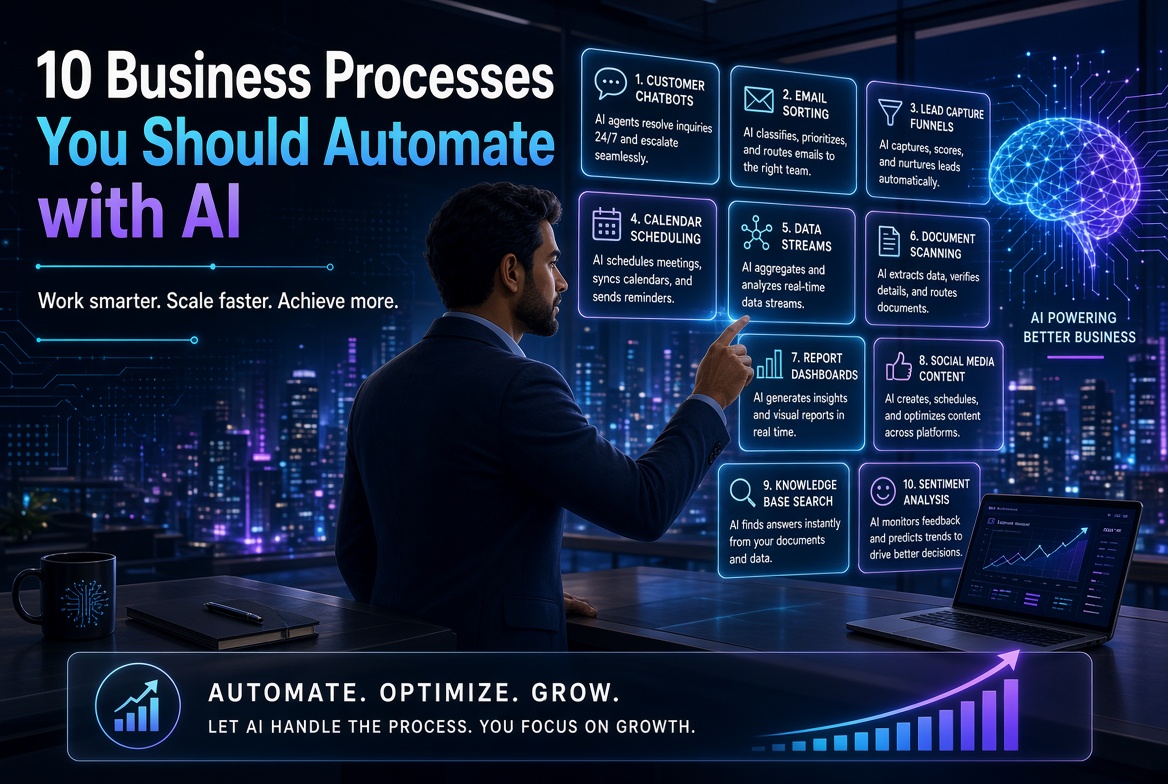
• Automate repetitive tasks
• Take meeting notes
• Create marketing materials
• Translate languages
• Create online courses
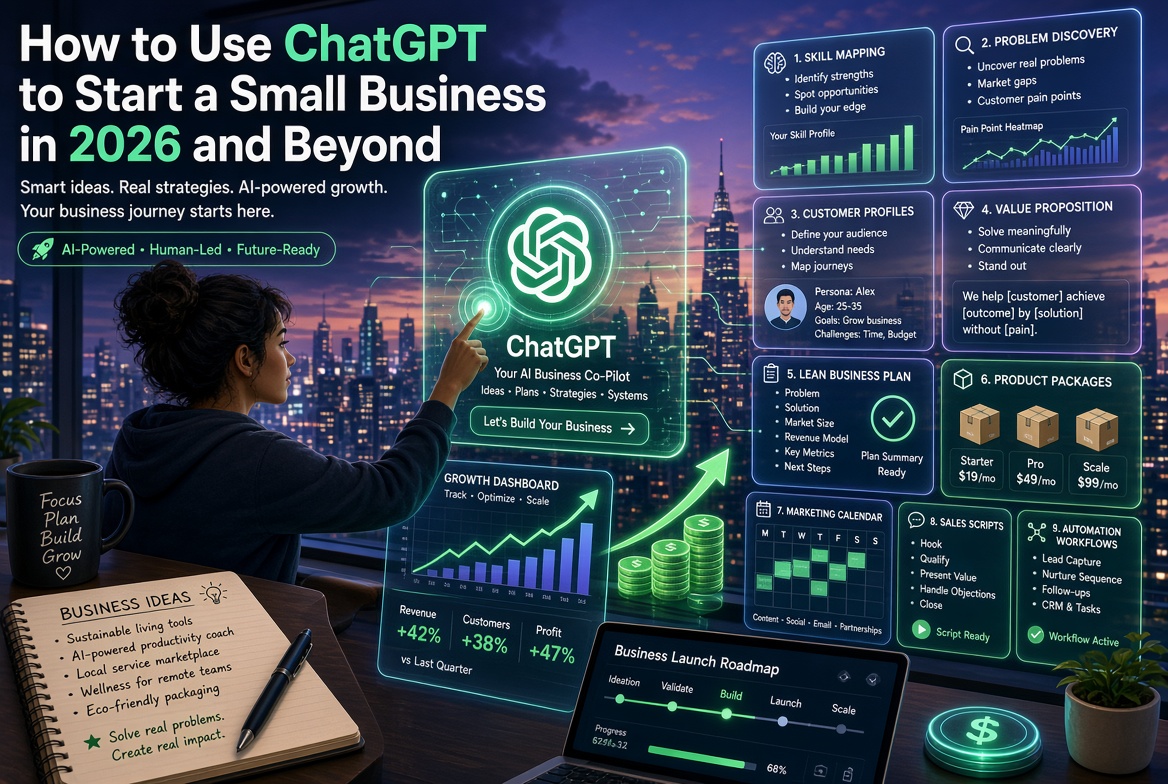
• Develop business ideas
• Improve customer service
• Create digital products
• Repurpose content
• Generate business reports
But there is an important principle to remember:
Buying AI tools does not automatically make you productive.
The value comes from knowing what problem you are solving and how to integrate the right tool into your workflow.
You do not need 50 subscriptions.
In many cases, a carefully selected combination of three to five AI tools can dramatically improve your workflow.
Let's look at the tools.
1. ChatGPT — Your General-Purpose AI Assistant
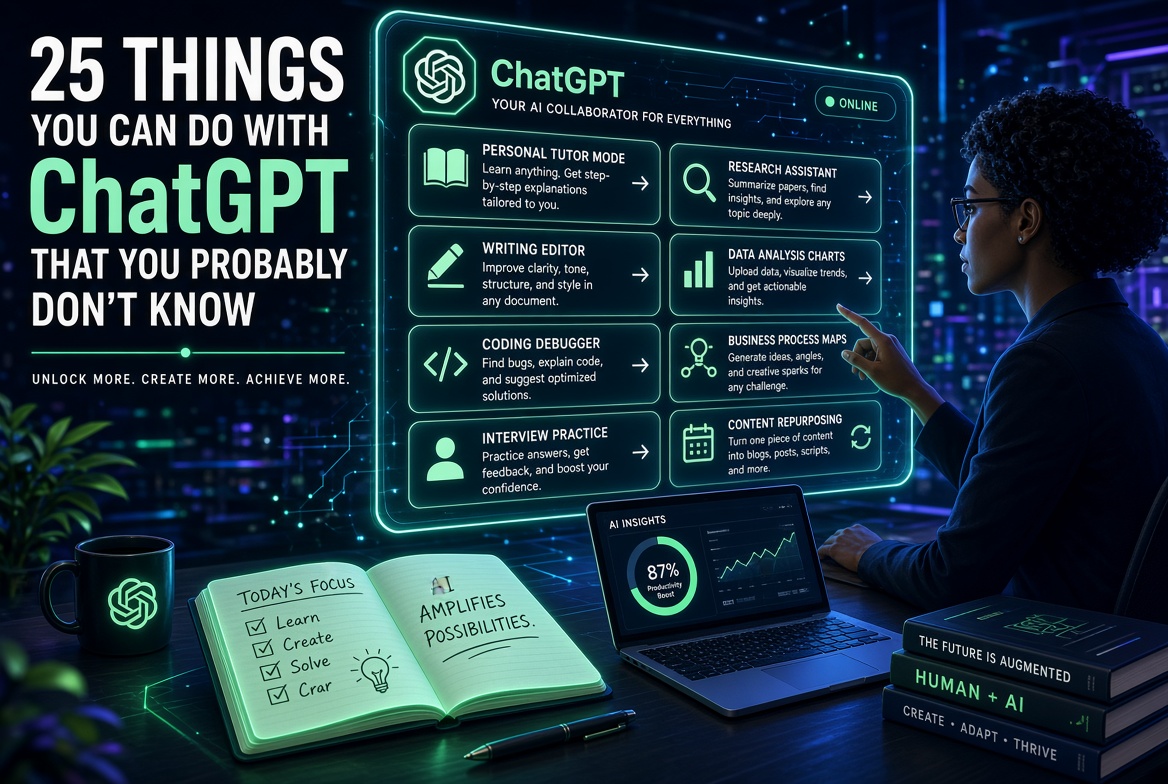
ChatGPT can help with writing, brainstorming, research, coding, analysis, learning, planning, summarization and many other tasks.
For many people, it can serve as the starting point for an AI-powered workflow.
Use it for:
• Brainstorming ideas
• Writing and editing
• Explaining difficult concepts
• Creating lesson materials
• Coding
• Data analysis
• Business planning
• Research assistance
• Creating marketing content
• Summarizing documents
Money opportunity: Use ChatGPT to increase the amount of useful work you can produce without proportionally increasing your working hours.
2. Claude — Powerful Writing and Analysis
Claude is particularly useful for long-form writing, document analysis, reasoning and working with substantial amounts of text.
It can be useful for professionals who regularly work with reports, proposals, research documents and business material.
Use it for:
• Long documents
• Editing
• Research analysis
• Business reports
• Brainstorming
• Coding
• Content development
Productivity tip: Instead of asking AI one small question at a time, give it the necessary context and explain the final outcome you want.
3. Google Gemini — AI for the Google Ecosystem
Google Gemini is useful for people who work heavily within Google's ecosystem.
It can support writing, brainstorming, research and other AI-assisted workflows.
Use it for:
• Research
• Writing
• Brainstorming
• Document-related work
• Learning
• Google ecosystem workflows
If your work already revolves around Google products, an integrated AI assistant can reduce the amount of copying and pasting between applications.
4. Perplexity — AI-Powered Research
Perplexity is designed around AI-assisted search and research, including answers with sources.
It can be useful when you want to move beyond a traditional search-engine results page and obtain a synthesized answer.
Use it for:
• Initial research
• Comparing information
• Finding sources
• Exploring unfamiliar subjects
• Current information searches
• Research preparation
Important: Always verify important facts against the original sources.
5. Microsoft Copilot — AI for Microsoft Users
If you work extensively with Microsoft products, Copilot can become part of your productivity workflow.
Use it for:
• Drafting
• Summarizing
• Productivity tasks
• Business documents
• Microsoft 365 workflows
• Workplace assistance
For organizations already invested in Microsoft's ecosystem, integrated AI can be particularly useful.
6. Grok — Conversational AI and Current Information
Grok is another general-purpose AI assistant with capabilities for conversation, reasoning, writing and information discovery.
Use it for:
• Brainstorming
• Writing
• Research exploration
• Current-event discussions
• Idea generation
As with every AI assistant, verify important information rather than assuming that an AI-generated answer is automatically correct.
7. NotebookLM — Turn Your Documents into an AI Research Assistant
NotebookLM is particularly interesting for students, researchers, lecturers and professionals who work with documents.
Instead of simply asking an AI about the world, you can use your own source materials as the basis for interaction.
Use it for:
• Research papers
• Lecture notes
• Reports
• Books
• Study materials
• Document summaries
• Question generation
Imagine uploading several research papers and asking:
"What are the major differences between the methodologies used in these studies?"
That can save considerable time during the initial stage of literature review.
8. Elicit — AI for Academic Research
Elicit is designed to assist with research and literature-review workflows.
Useful for:
• Finding research papers
• Literature reviews
• Comparing studies
• Extracting information
• Organizing research questions
Researchers should still independently verify papers, findings and citations.
9. SciSpace — Understand Research Papers Faster
Research papers can be difficult to understand, particularly when they contain unfamiliar terminology, mathematical concepts or complex methodologies.
SciSpace can help users interact with academic literature and understand difficult material.
Useful for:
• Students
• Researchers
• Lecturers
• Academic writers
• Literature reviews
10. DeepL — AI-Assisted Translation
DeepL is widely used for translation and language-related tasks.
Use it for:
• Translating documents
• Understanding foreign-language material
• Business communication
• Academic communication
• Editing translated text
For legal, medical or highly sensitive documents, human review remains important.
11. Grammarly — Improve Your Writing
Grammarly can help improve grammar, spelling, clarity, tone and overall writing quality.
Use it for:
• Emails
• Reports
• Academic writing
• Business communication
• Blog posts
• Marketing material
AI can generate text, but good editing remains essential.
12. Jasper — AI for Marketing Content
Jasper focuses heavily on business and marketing content.
Use it for:
• Marketing campaigns
• Blog content
• Advertising copy
• Social media
• Brand messaging
Businesses producing large amounts of marketing content may benefit from structured AI workflows.
13. Canva AI — Design Without Being a Designer
Canva has become one of the easiest ways for non-designers to create professional-looking visual materials.
Its AI capabilities make the design process even faster.
Use it for:
• Posters
• Presentations
• Social media graphics
• Flyers
• Advertisements
• Book graphics
• Infographics
• Marketing materials
Business opportunity: A person with good AI and Canva skills can provide design services to small businesses that cannot afford a full-time designer.
14. Midjourney — AI Image Generation
Midjourney is widely used for generating artistic and highly detailed images.
Use it for:
• Book illustrations
• Concept art
• Advertising
• Creative projects
• Social media graphics
• Visual storytelling
Authors and content creators can use AI image generation to accelerate visual ideation.
15. Adobe Firefly — AI for Creative Professionals
Adobe Firefly provides generative AI capabilities within Adobe's creative ecosystem.
Use it for:
• Image generation
• Creative editing
• Design concepts
• Marketing visuals
• Creative experimentation
It can be especially useful if you already use Adobe's creative products.
16. Ideogram — AI Images with Strong Text Generation
Ideogram is useful when the image itself needs to contain readable text.
Use it for:
• Posters
• Logos
• Social graphics
• Advertising concepts
• Typography-focused images
17. Leonardo AI — Creative Image Generation
Leonardo AI can be used for generating images, creative assets and visual concepts.
Useful for:
• Games
• Marketing
• Illustrations
• Product concepts
• Creative projects
18. Runway — AI Video Creation
Video is one of the fastest-growing areas of generative AI.
Runway provides tools for generating and editing video.
Use it for:
• Marketing videos
• Short films
• Social media
• Product demonstrations
• Creative video experiments
A small business can potentially produce video marketing without maintaining a traditional production team for every piece of content.
19. Kling AI — AI Video Generation
Kling AI is another major player in AI video generation.
Use it for:
• Short videos
• Marketing content
• Visual storytelling
• Creative experiments
• Social media videos
AI video is particularly useful for businesses that need a steady flow of visual content.
20. HeyGen — AI Avatar Videos
HeyGen can help create videos featuring AI-generated presenters and avatars.
Use it for:
• Training videos
• Marketing
• Explainer videos
• Presentations
• Educational content
• Multilingual video
This can be particularly useful for organizations that need frequent training or instructional material.
21. Synthesia — AI-Powered Training Videos
Synthesia focuses heavily on AI-generated presenter videos.
Use it for:
• Corporate training
• Educational videos
• Internal communication
• Product demonstrations
• Onboarding
22. ElevenLabs — AI Voice Generation
ElevenLabs provides AI-powered voice technologies.
Use it for:
• Voiceovers
• Narration
• Audio content
• Videos
• Podcasts
• Educational material
For commercial use, always understand the platform's current licensing and voice-rights requirements.
23. Suno — AI Music Creation
Suno allows users to generate music using AI.
Use it for:
• Creative projects
• Background music
• Content experiments
• Song ideas
• Demonstrations
Always check licensing terms before using generated music commercially.
24. CapCut — AI-Assisted Video Editing
CapCut has become a popular tool for creating and editing short-form videos.
Use it for:
• TikTok-style videos
• YouTube Shorts
• Instagram Reels
• Promotional videos
• Educational videos
A smartphone plus an AI-assisted editing workflow can now become a surprisingly powerful content-production system.
25. Otter.ai — Meeting Transcription
Meetings can consume hours.
Meeting transcription tools can turn conversations into searchable notes and summaries.
Use it for:
• Meetings
• Interviews
• Lectures
• Research interviews
• Business discussions
Instead of spending an hour reconstructing what happened in a meeting, you can focus on the decisions and action items.
26. Fireflies.ai — AI Meeting Assistant
Fireflies can help capture and organize meeting conversations.
Use it for:
• Transcription
• Meeting summaries
• Action items
• Searchable conversations
• Team meetings
27. Notion AI — AI-Powered Organization
Notion combines notes, databases, project management and documentation, with AI features integrated into the workspace.
Use it for:
• Project planning
• Notes
• Knowledge management
• Content planning
• Documentation
• Team collaboration
28. ClickUp AI — AI for Project Management
ClickUp combines project management with AI-assisted workflows.
Use it for:
• Project planning
• Task management
• Summaries
• Documentation
• Team productivity
The major advantage of tools like this is that AI becomes part of the workflow rather than another separate website you have to open.
29. Zapier — Automate Your Digital Work
Zapier connects applications and automates repetitive workflows.
For example:
New website form → customer information → spreadsheet → email notification → CRM
Instead of manually performing five tasks, automation can connect them.
Use it for:
• Lead management
• Email automation
• Marketing
• Customer service
• Data movement
• Business workflows
Money opportunity: Learning automation can itself become a business.
You can help companies automate repetitive processes and charge for implementation and maintenance.
30. Make — Visual Workflow Automation
Make is another powerful automation platform.
Use it for:
• Business automation
• Data processing
• Marketing
• CRM workflows
• Notifications
• API integrations
It is particularly useful when workflows become more complex.
31. n8n — Advanced Workflow Automation
n8n is popular among technical users who want more control over automation workflows.
Use it for:
• AI agents
• API integrations
• Business automation
• Data processing
• Custom workflows
For developers and technical consultants, learning automation platforms such as n8n can create an entirely new service offering.
32. Cursor — AI-Powered Programming
Cursor is an AI-assisted code editor designed to help developers write, understand and modify code.
Use it for:
• Software development
• Debugging
• Refactoring
• Code explanation
• Building applications
AI coding tools do not eliminate the need for programming knowledge.
Instead, they can make a capable developer considerably more productive.
33. GitHub Copilot — Your AI Programming Assistant
GitHub Copilot can assist developers while they write code.
Use it for:
• Code completion
• Debugging
• Documentation
• Programming assistance
• Development workflows
It can help developers spend less time writing repetitive code and more time solving problems.
34. Replit — Build Applications with AI Assistance
Replit provides a browser-based development environment and AI-assisted development capabilities.
Use it for:
• Prototypes
• Websites
• Applications
• Learning programming
• Rapid development
This can be particularly useful for beginners who want to experiment without setting up a complicated development environment.
35. Lovable — Build Web Applications with Natural Language
AI-powered application builders have changed the barrier to entry for software development.
Tools such as Lovable allow users to describe what they want to build and generate application components.
Use it for:
• Prototypes
• Web applications
• Internal tools
• MVPs
• Startup experiments
The important skill is not simply knowing how to generate an application.
It is knowing how to specify, test, secure and improve it.
36. Bolt — AI-Assisted App Development
Bolt can help users generate applications through natural-language instructions.
Use it for:
• Prototypes
• Websites
• Web applications
• Experiments
• MVP development
Entrepreneurs can use these tools to test ideas much faster than traditional development alone.
37. Figma AI — AI-Assisted UI/UX Design
Figma is widely used for interface and product design, while its AI capabilities can assist parts of the design process.
Use it for:
• UI design
• Website prototypes
• Mobile applications
• Product design
• Design collaboration
38. Framer AI — Build Websites Faster
Framer combines website creation with AI-assisted workflows.
Use it for:
• Landing pages
• Business websites
• Portfolio sites
• Marketing websites
For small businesses, rapid website creation can become a valuable service.
39. Gamma — Create Presentations with AI
Creating presentations manually can take hours.
Gamma can help generate structured presentations and documents from prompts.
Use it for:
• Business presentations
• Teaching
• Pitch decks
• Reports
• Training material
The key is to use AI for the first draft and then apply human judgment to the final presentation.
40. Photoroom — AI Product Photography
Photoroom is particularly useful for people who sell products online.
Use it for:
• Product images
• Background removal
• E-commerce photography
• Social media
• Advertising
A small business can improve its product presentation without hiring a professional photographer for every product.
41. Remove.bg — Remove Image Backgrounds
This is a simple but useful AI-powered image tool.
Use it for:
• Product photography
• Marketing
• Presentations
• Social media
• Profile images
Sometimes the simplest AI tools provide the biggest time savings.
42. Genspark — AI Agentic Workflows
AI platforms are increasingly moving beyond simple question-and-answer interactions toward systems capable of carrying out multi-step tasks.
Genspark is one example of this emerging category.
Potential uses include:
• Research
• Content generation
• Task automation
• Information gathering
• Multi-step workflows
The important development to watch is the movement from "AI that answers" to "AI that performs tasks."
43. Manus — AI Agent
Manus represents another direction in AI: agents that can take a goal and perform multiple steps toward completing it.
Use cases may include:
• Research
• Data gathering
• Planning
• Content workflows
• Computer-based tasks
AI agents are likely to become an increasingly important part of business automation.
44. Poe — Access Multiple AI Models
Poe provides access to multiple AI models and bots within one platform.
Useful for:
• Experimenting with different models
• Comparing outputs
• Writing
• Brainstorming
• AI experimentation
For someone learning AI, being able to compare different models can be valuable.
45. DeepSeek — AI Reasoning and Coding
DeepSeek has attracted considerable attention for its AI models and reasoning/coding capabilities.
Use it for:
• Coding
• Reasoning
• Technical questions
• Research exploration
• Experimentation
As always, verify important technical and factual outputs.
46. Google NotebookLM — Learn from Your Own Sources
NotebookLM deserves special attention because it represents an important shift in AI usage.
Instead of asking:
"What does AI know about this subject?"
you can ask:
"What do these documents say about this subject?"
This distinction is extremely valuable for researchers, students and organizations.
Example
Suppose you have:
• 10 research papers
• 2 reports
• A policy document
• Your lecture notes
You can organize these materials and use AI to help you explore them.
That can transform the way people interact with information.
47. Surfer SEO — AI-Assisted Search Optimization
If you operate a website, creating content is only half the job.
People need to find that content.
SEO tools can help content creators understand search intent, keywords and content structure.
Use it for:
• SEO planning
• Content optimization
• Keyword research
• Search visibility
• Blog strategy
This is especially important if you want your website to become a source of organic traffic.
48. Semrush — SEO and Digital Marketing Intelligence
Semrush provides a broad collection of digital marketing and SEO tools.
Use it for:
• Keyword research
• Competitor research
• SEO
• Content strategy
• Website analysis
• Digital marketing
For a business website, understanding what people search for can be just as important as producing good content.
49. HubSpot AI — AI for Marketing and Customer Relationships
HubSpot combines marketing, sales and customer relationship management with AI capabilities.
Use it for:
• Lead management
• Marketing
• Customer communication
• Sales workflows
• Content
• CRM
A business that generates leads from its website can use CRM automation to move potential customers through the sales process.
50. Google AI / Gemini Ecosystem — Build an AI-Powered Productivity Stack
The final tool on our list is not simply one application.
It represents a broader approach:
Build an AI ecosystem around the way you already work.
You might combine:
Gemini + Google Workspace + NotebookLM + automation + analytics
to create an integrated workflow.
The objective is not to collect AI tools.
The objective is to create a system that gets work done.
The Real Secret: You Don't Need All 50 Tools
This is perhaps the most important lesson in this entire article.
Do not subscribe to 50 AI tools.
You will probably waste money.
Instead, identify your biggest productivity problem and select the appropriate tool.
For example:
If you are a student
Consider:
ChatGPT + NotebookLM + Perplexity + Grammarly + Canva
If you are a researcher
Consider:
ChatGPT + Claude + Perplexity + NotebookLM + Elicit + SciSpace
If you are a content creator
Consider:
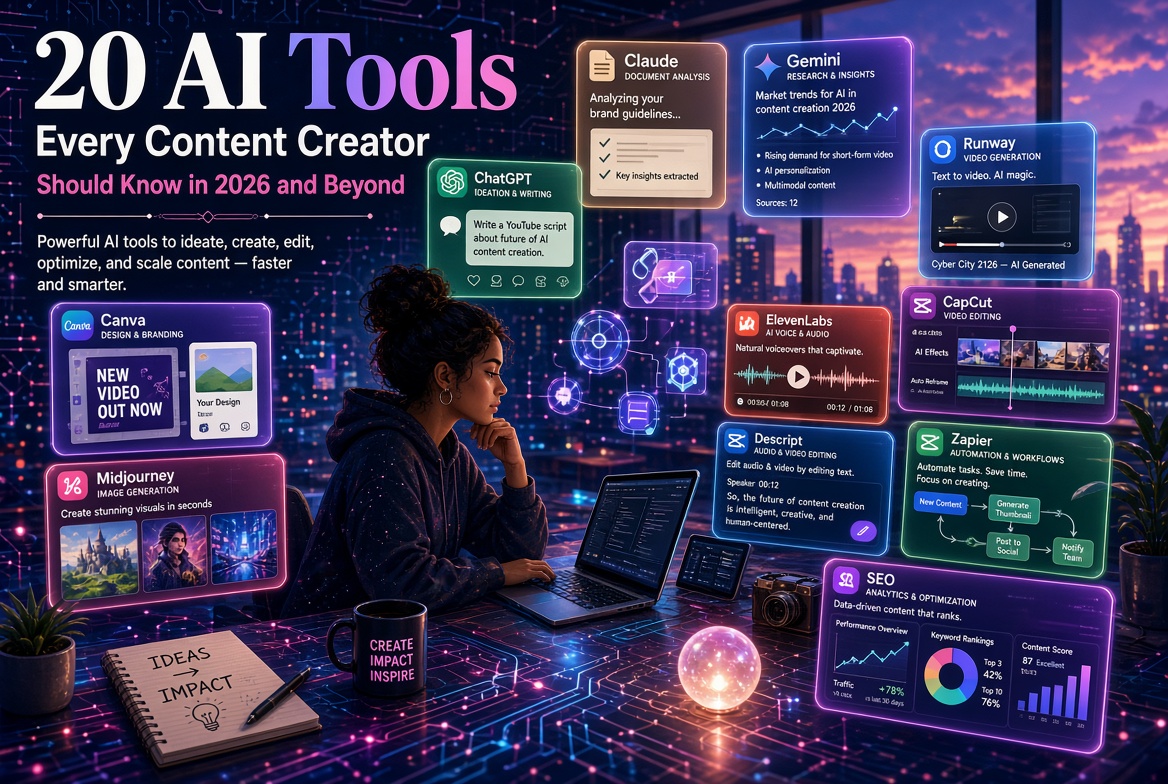
ChatGPT + Canva + Midjourney + CapCut + ElevenLabs
If you are a developer
Consider:
ChatGPT + Claude + Cursor + GitHub Copilot + Replit
If you run a small business
Consider:
ChatGPT + Canva + Zapier + HubSpot + an AI meeting tool
If you are an AI consultant
Consider:
ChatGPT + Claude + Gemini + n8n + Zapier + automation/development tools
The correct AI stack depends on the work you actually do.
How to Make Money with AI in 2026
AI does not magically create money.
AI creates leverage.
The money comes from using that leverage to solve problems people are willing to pay you to solve.
Here are some practical opportunities.
1. AI Content Services
Businesses need:
• Blog articles
• Social media content
• Email campaigns
• Product descriptions
• Newsletters
• Marketing materials
You can use AI to accelerate production while maintaining human editorial control.
2. AI Automation Services
Many businesses perform repetitive tasks manually.
For example:
Customer fills form → employee copies information → sends email → updates spreadsheet → informs manager.
An AI automation consultant can redesign that process.
This is potentially much more valuable than simply selling someone an AI subscription.
3. AI Training
Organizations need people who can teach their staff how to use AI effectively.
You can offer:
• AI workshops
• Corporate training
• University training
• Research training
• Prompt engineering workshops
• AI productivity courses
4. AI Consulting
Companies increasingly need help answering questions such as:
• Where should we use AI?
• Which processes should we automate?
• Which AI tools should we purchase?
• How do we protect confidential information?
• How do we train employees?
• How do we measure the value of AI?
This creates opportunities for knowledgeable consultants.
5. AI-Powered Digital Products
You can create:
• E-books
• Templates
• Prompt libraries
• Online courses
• Checklists
• Workbooks
• AI guides
• Software tools
One useful digital product can potentially be sold repeatedly.
6. AI-Assisted Software Development
AI coding tools make it easier to prototype:
• Websites
• Mobile applications
• Internal business tools
• Dashboards
• Customer portals
• Data applications
But remember:
Generating code is not the same thing as engineering a reliable product.
Testing, security, architecture and maintenance still matter.
The AI Skills That Will Matter Most
The biggest mistake people make is focusing entirely on individual AI tools.
Tools change.
Skills remain valuable.
The following skills are therefore worth developing:
1. Problem formulation
Can you clearly explain the problem you want AI to solve?
2. Prompting and instruction
Can you give AI useful context, constraints and objectives?
3. Critical thinking
Can you identify when an AI answer is wrong?
4. Data literacy
Can you understand and interpret data?
5. Automation
Can you connect AI to real business processes?
6. Communication
Can you turn AI-generated information into useful communication?
7. Domain expertise
Do you actually understand the field in which you are applying AI?
This last point is particularly important.
AI plus expertise is much more powerful than AI alone.
Don't Become an AI Tool Collector
There is a new productivity trap.
People spend hours looking for:
"The newest AI tool."
Then they spend another hour signing up.
Then they spend another hour learning it.
Then another tool appears.
The cycle continues.
Meanwhile, the actual work remains unfinished.
The better approach is:
Problem → Tool → Workflow → Result
Not:
New Tool → New Tool → New Tool → New Tool
A Simple AI Strategy for Your Business
Start with these five questions:
Question 1
What task consumes the most time?
Question 2
Is the task repetitive?
Question 3
Can AI assist with it?
Question 4
What would happen if the task took 50% less time?
Question 5
Can the time saved be converted into additional revenue or better service?
That final question is critical.
Saving two hours is useful.
But saving two hours and using those two hours to acquire another customer is much more valuable.
AI Should Increase Your Value — Not Just Reduce Your Work
The real opportunity of AI is not simply:
"How can I work less?"
A better question is:
"How can I create more value with the same amount of time?"
A consultant can serve more clients.
A researcher can analyze more literature.
A lecturer can prepare better learning materials.
A developer can prototype more applications.
A content creator can produce more useful content.
A business owner can respond to customers faster.
A student can learn more effectively.
That is where the economic value of AI begins to appear.
Final Thoughts
The AI revolution is not coming.
It is already here.
But the winners will not necessarily be the people who know the largest number of AI tools.
They will be the people who know how to combine AI + knowledge + creativity + human judgment + automation to solve real problems.
Start small.
Choose one problem.
Find one appropriate AI tool.
Learn it.
Build a workflow around it.
Measure the result.
Then expand.
And remember:
The goal is not to use more AI.
The goal is to become more capable because of AI.
Want to Learn More About AI?
At Adamschrisco, we are interested in more than simply talking about artificial intelligence.
We explore practical applications of AI, automation, machine learning, data science, programming and digital technology to help individuals and organizations work, learn and build more effectively.
Explore our books, resources, training and technology services to continue your AI journey.
Your next competitive advantage may not be another employee, another piece of equipment or another hour in the day.
It may be learning how to use the intelligence already available to you.
Explore Adamschrisco for:
• AI books and practical guides
• AI and automation resources
• Python and programming resources
• Data science and machine learning
• AI training and education
• Technology consulting
• Web and application development
Start learning. Start building. Start using AI.
Back to Blog
Comments
Be the first to comment.